 Auto-Drawing with Lidar
 LiDAR scanning
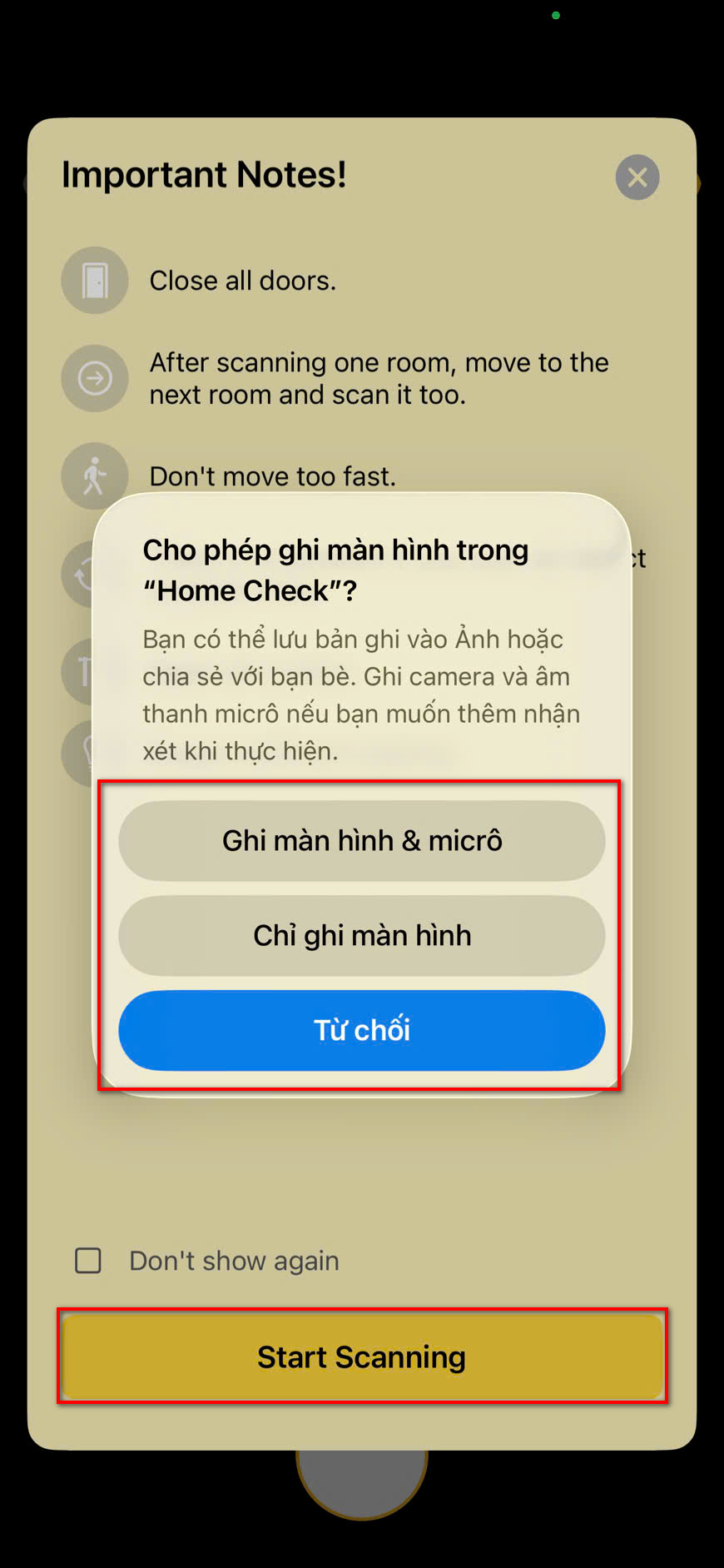 Lidar Scanning Process
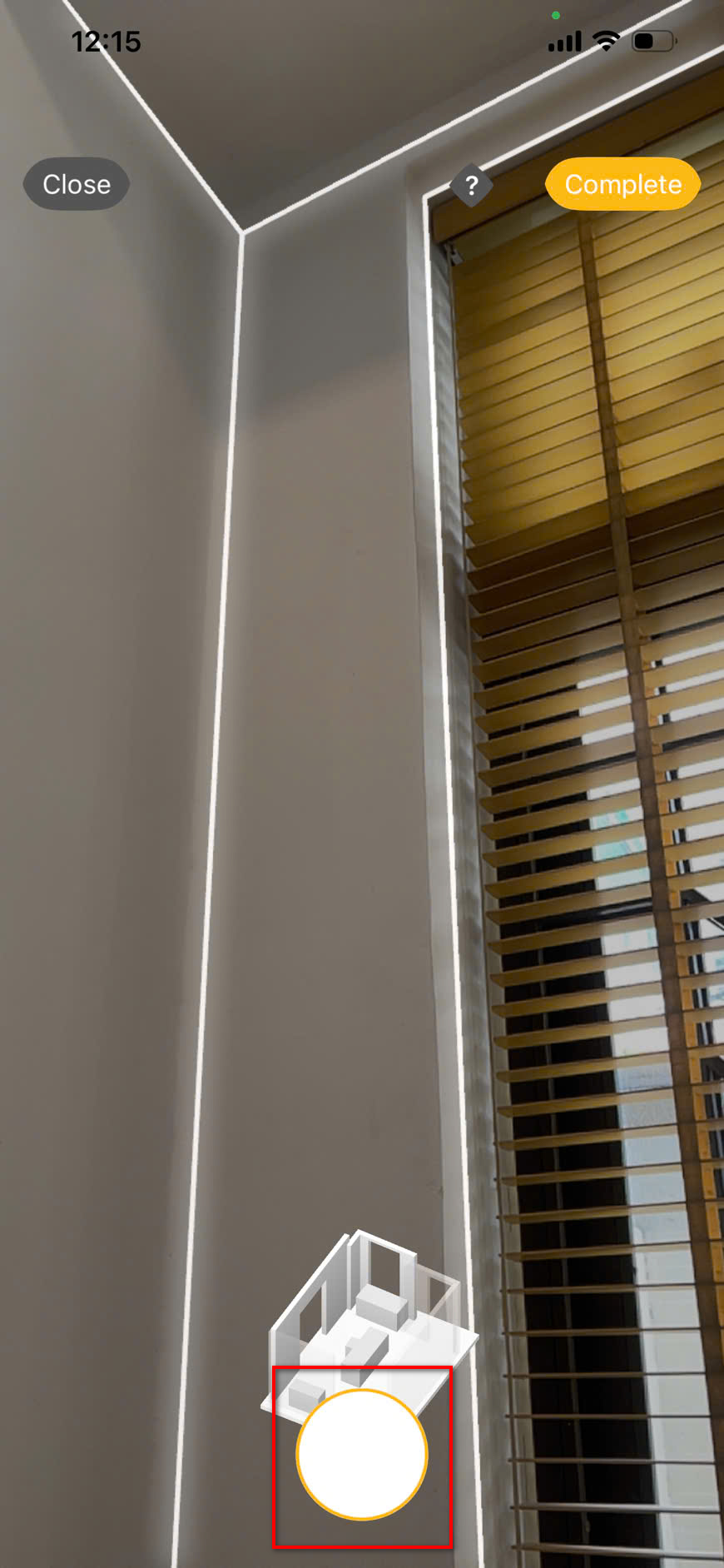 Lidar 3D Preview
Instantly converts real spaces into digital drawings using LiDAR technology.
Steps:
- Open drawings list.
- Tap (+) > Create from Building.
- Grant permissions.
- Tap Start Scanning.
- Tap Complete.
- Review 3D/2D and Confirm.


Experience HOME CHECK
The smart, versatile assistant for every architectural and Feng Shui project!