DRAWING FEATURES GUIDE
Drawings are the core platform connecting living spaces, technology, and scientific Feng Shui.
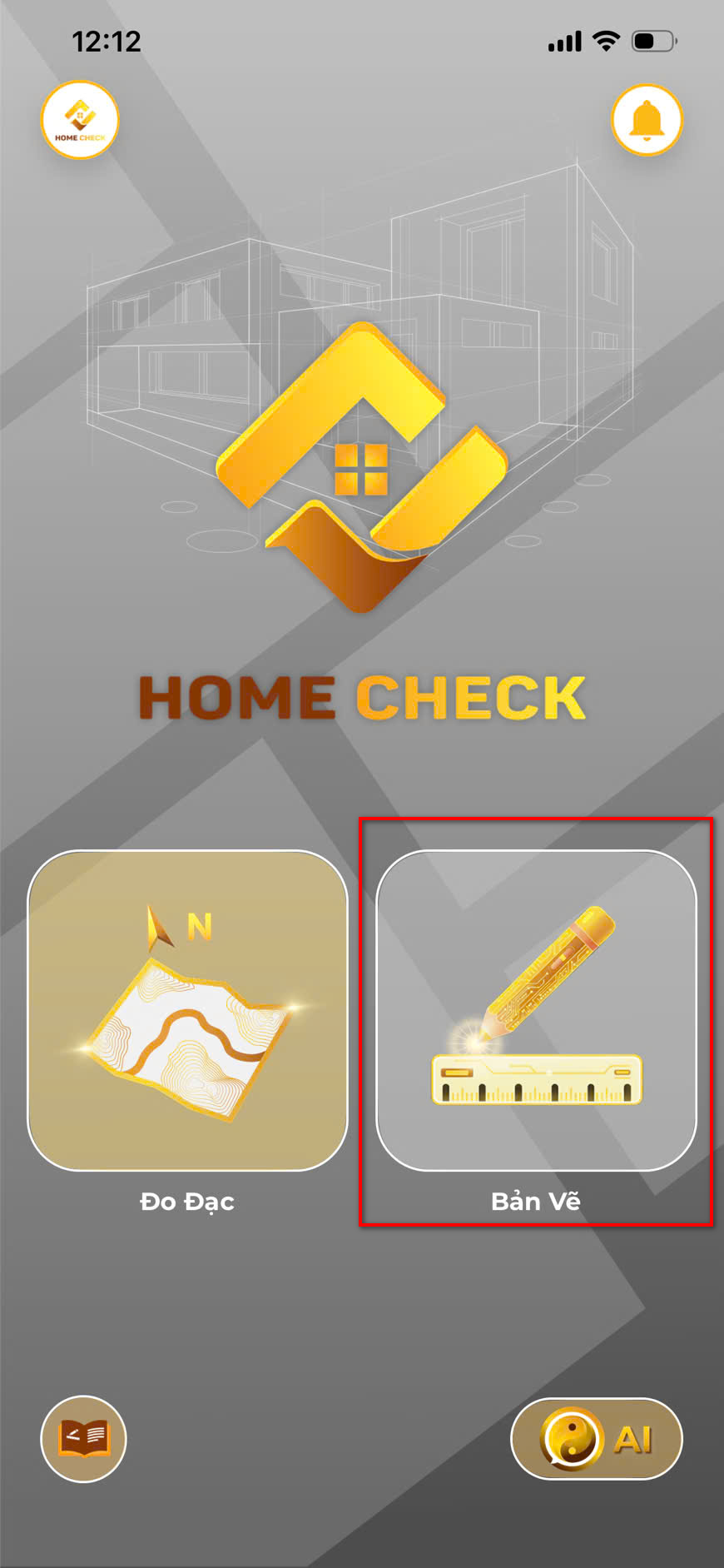 Drawing interface
Articles in this section
Lidar Auto-Drawing
Auto-Drawing with Lidar Instantly converts real spaces into digital drawings using LiDAR technology. Steps: 1. Open draw...
Manual Drawing
Starting From Scratch Create drawings based on ideas without physical scanning. Steps: 1. Tap (+) Create from Ideas. 2....
Bluetooth Tools
Draw Using Bluetooth Measurers Connect external laser measurers for supreme accuracy. Steps: Tap the Bluetooth icon and...
Photo Reconstruction
Reconstructing from Photos Convert paper or image blueprints to digital. Steps: 1. Select Reconstruct from Photo. 2. Upl...
Furniture Layout
Furnishing the Space Steps: 1. Select the room function (e.g., Living Room). 2. Tap the object icon (+). 3. Select an it...
Core Establishment
Finding the Feng Shui Core Crucial step for identifying the center and directional axes. Steps: 1. Tap the Core icon (Co...
AI Interpretation
Feng Shui AI Analysis Analyzes based on hard data. Steps: 1. Tap the AI icon. 2. Wait for automatic analysis. 3. Review ...


Experience HOME CHECK
The smart, versatile assistant for every architectural and Feng Shui project!