 Draw Using Bluetooth Measurers
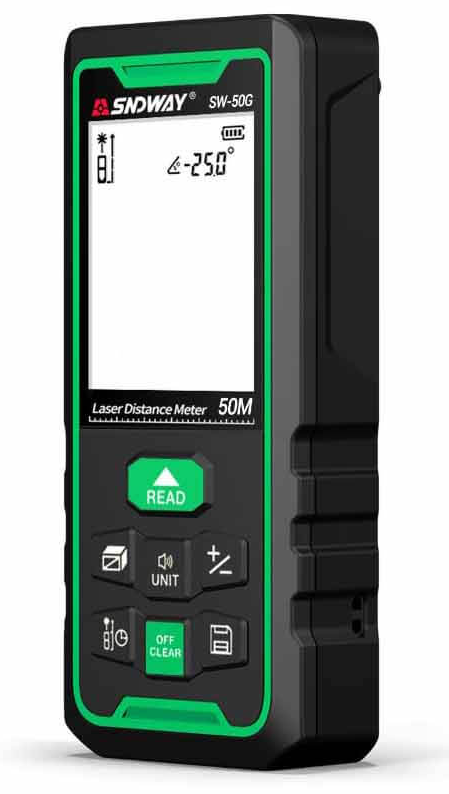 Bluetooth connection
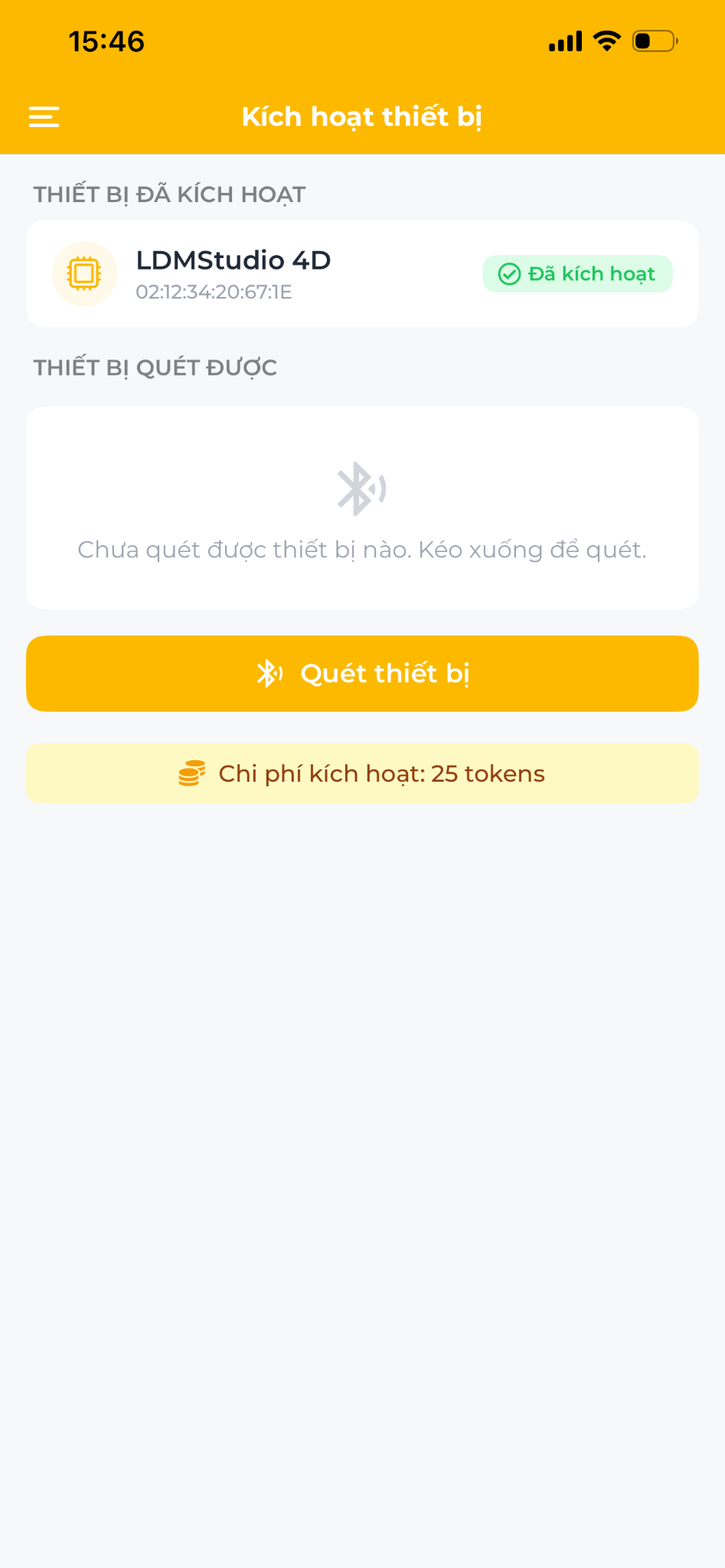 Bluetooth Pairing
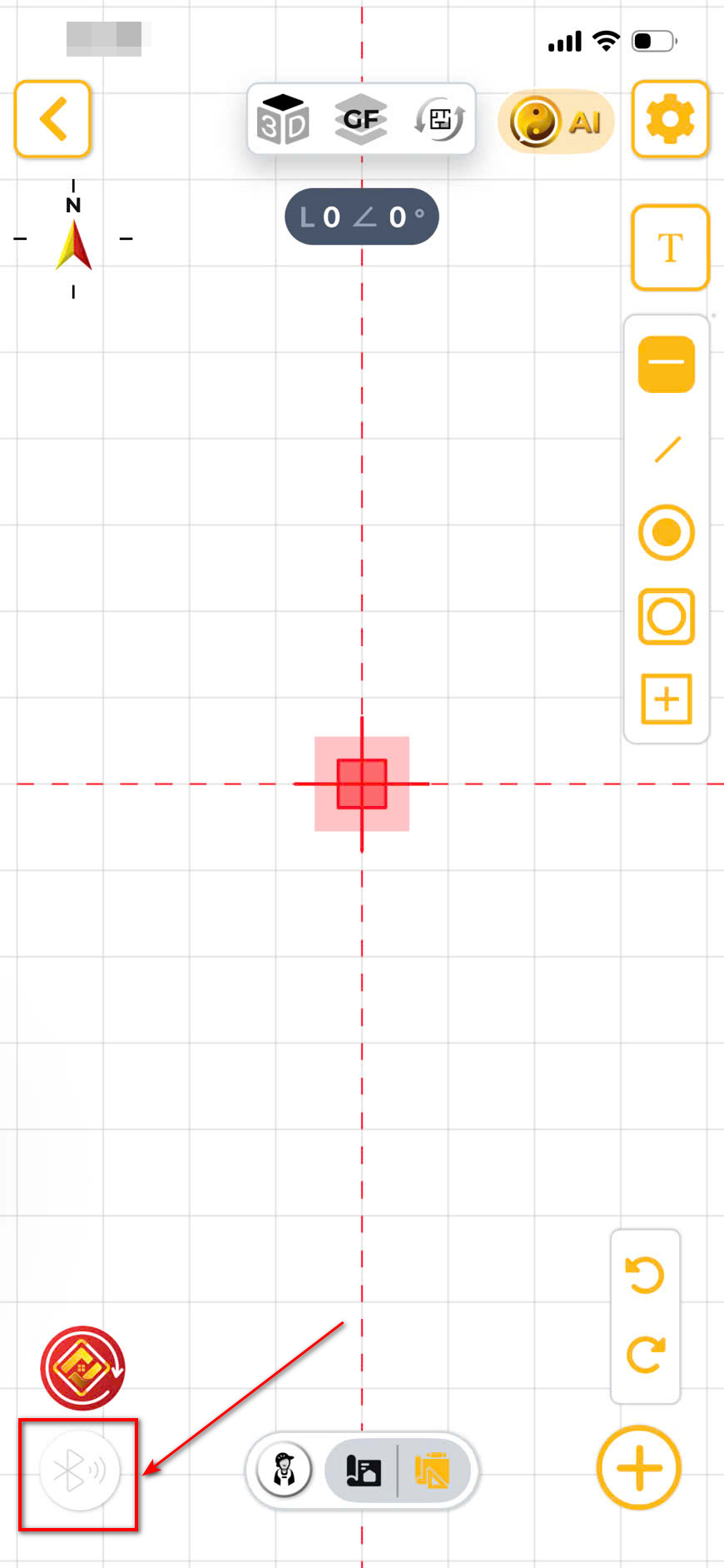 Bluetooth Measure Arrow
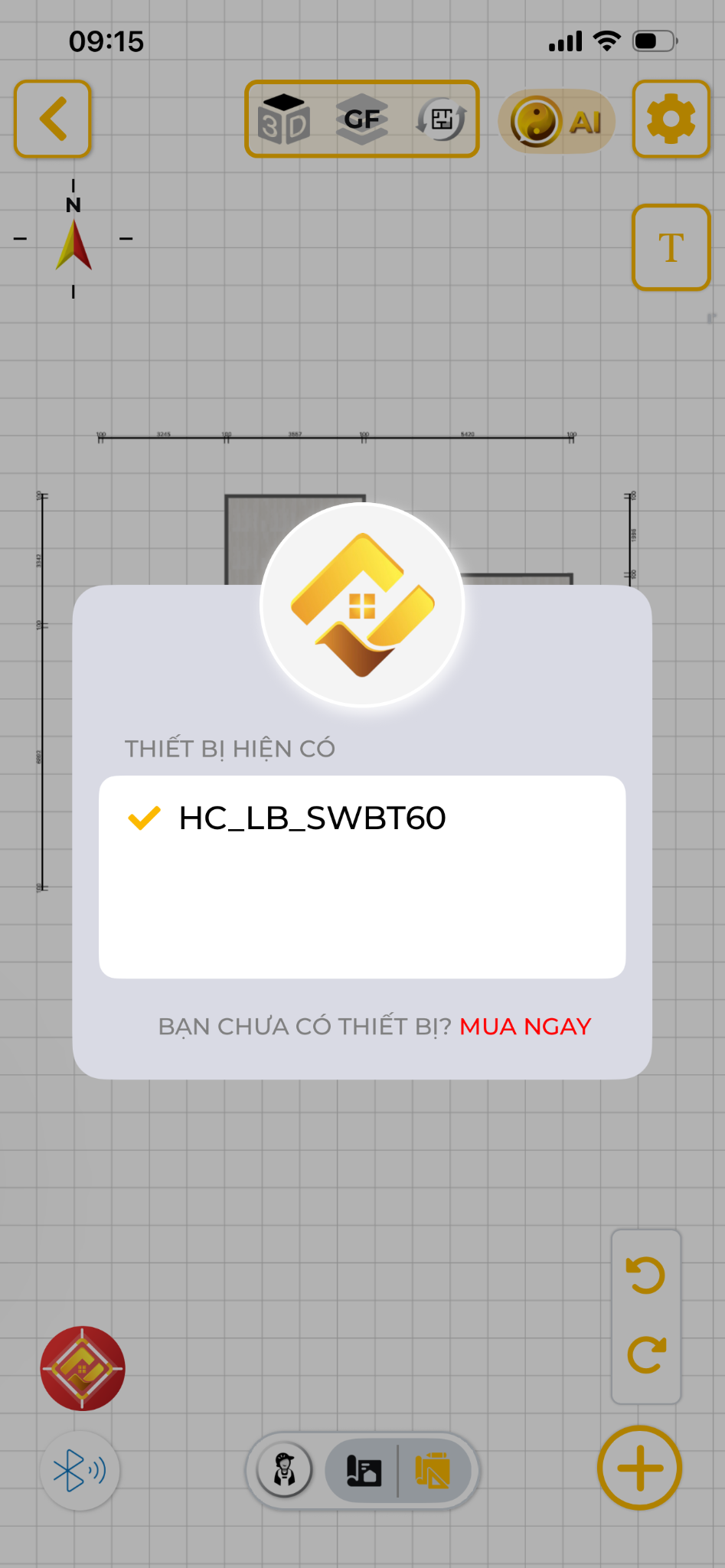 Bluetooth Device List
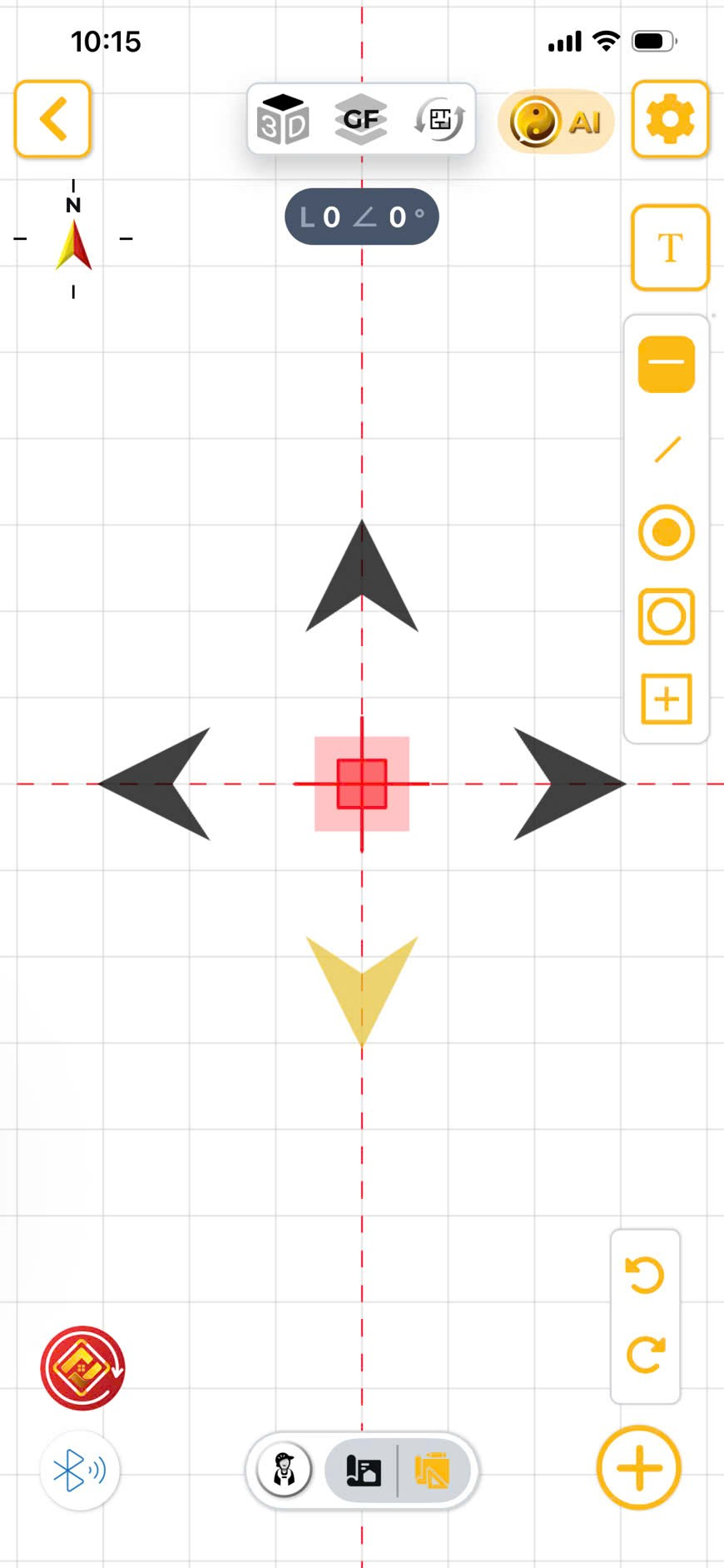 Bluetooth Arrow Select
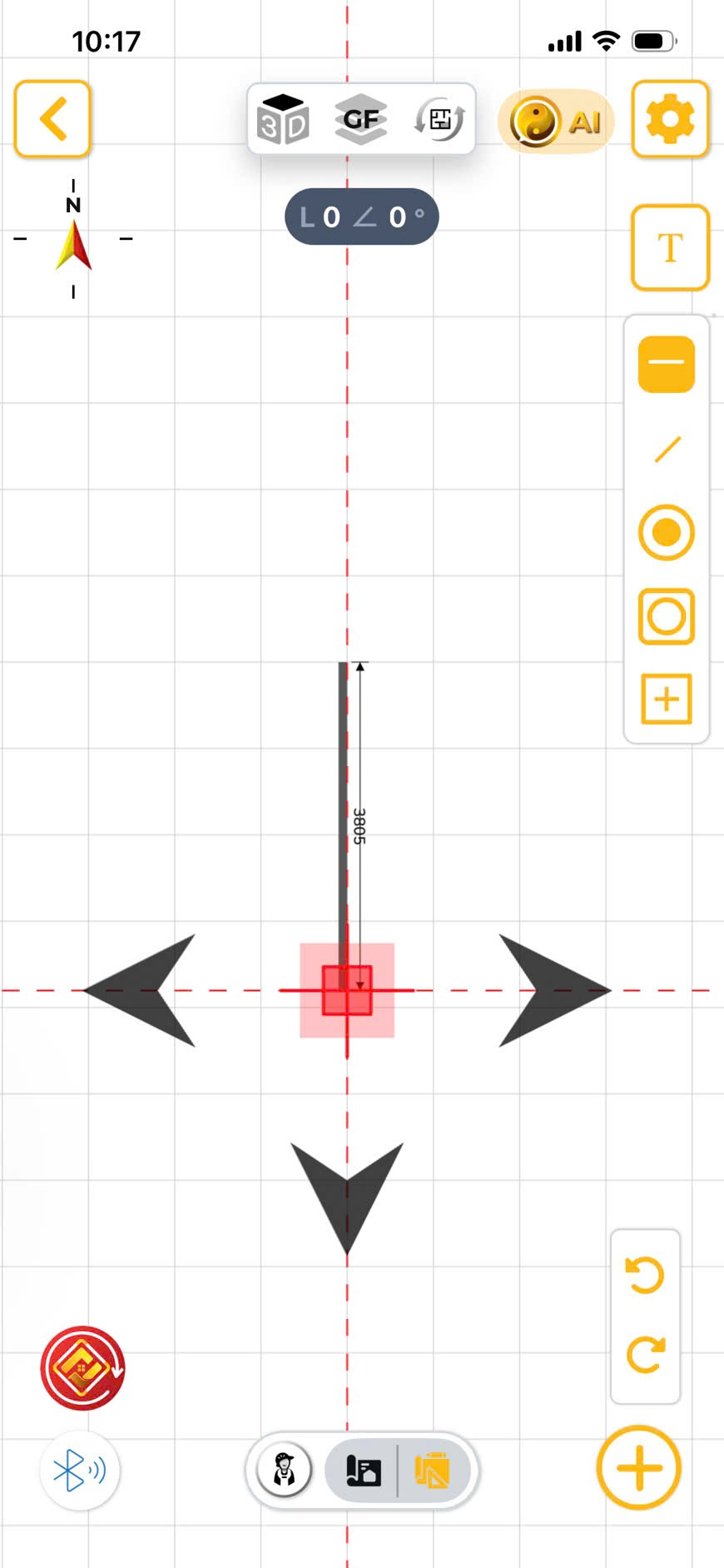 Bluetooth Measuring
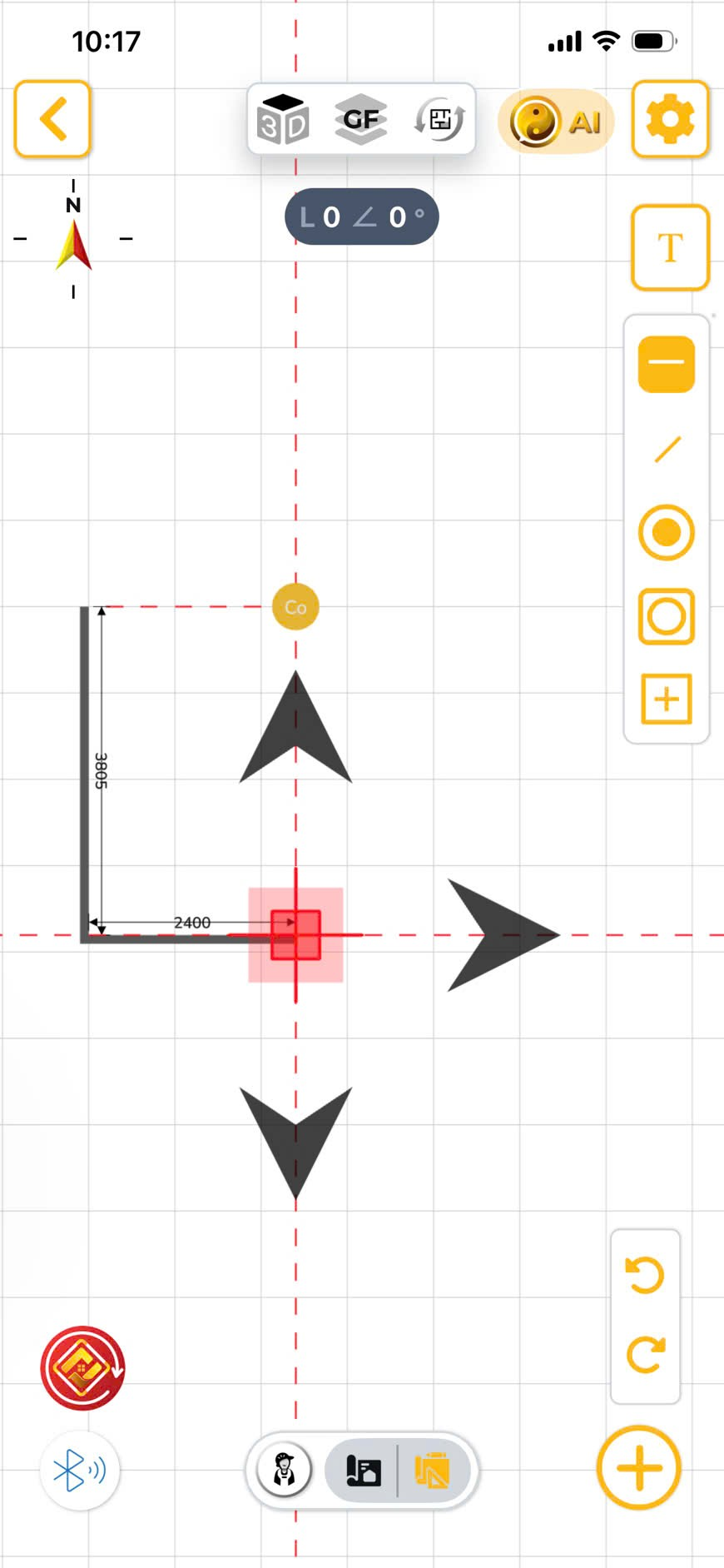 Bluetooth Data Sync
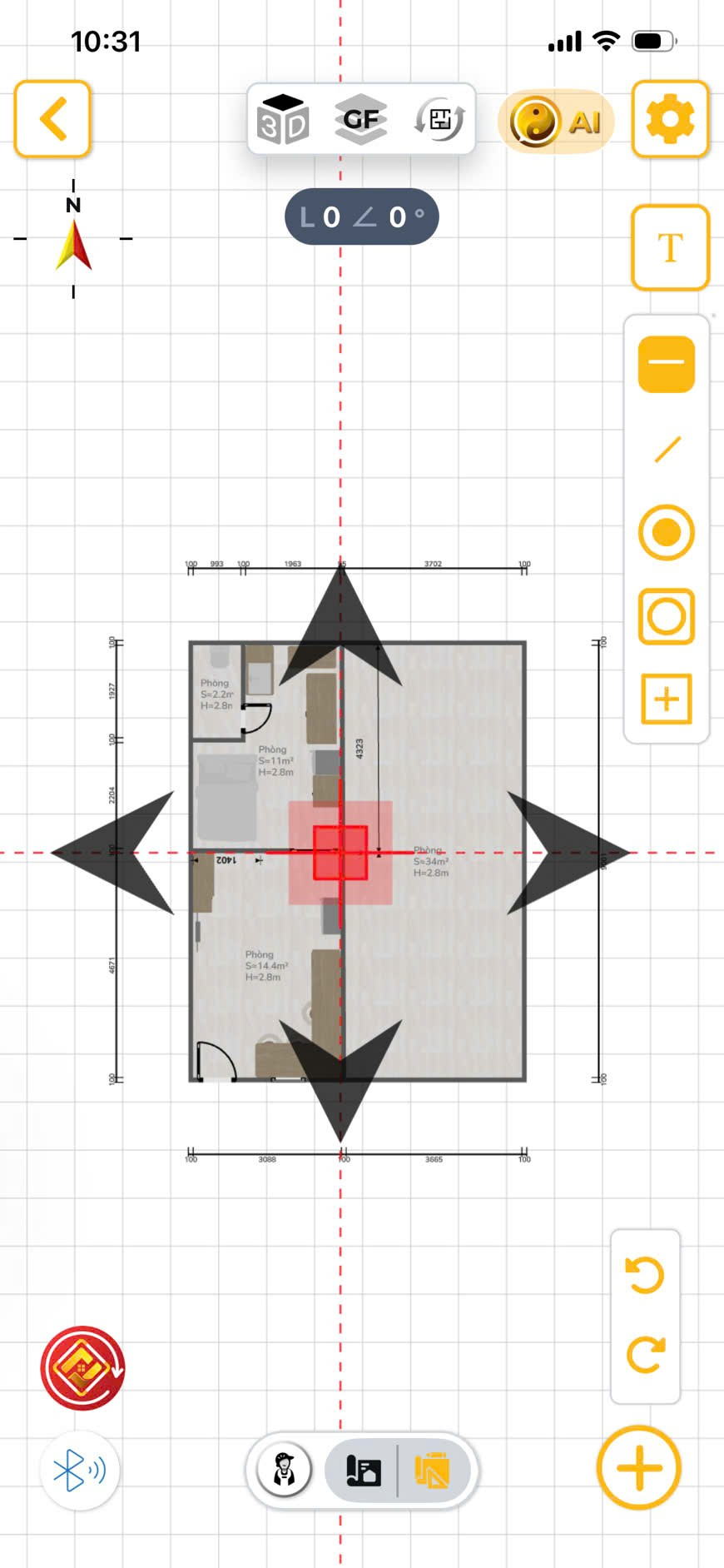 Bluetooth Combined Draw
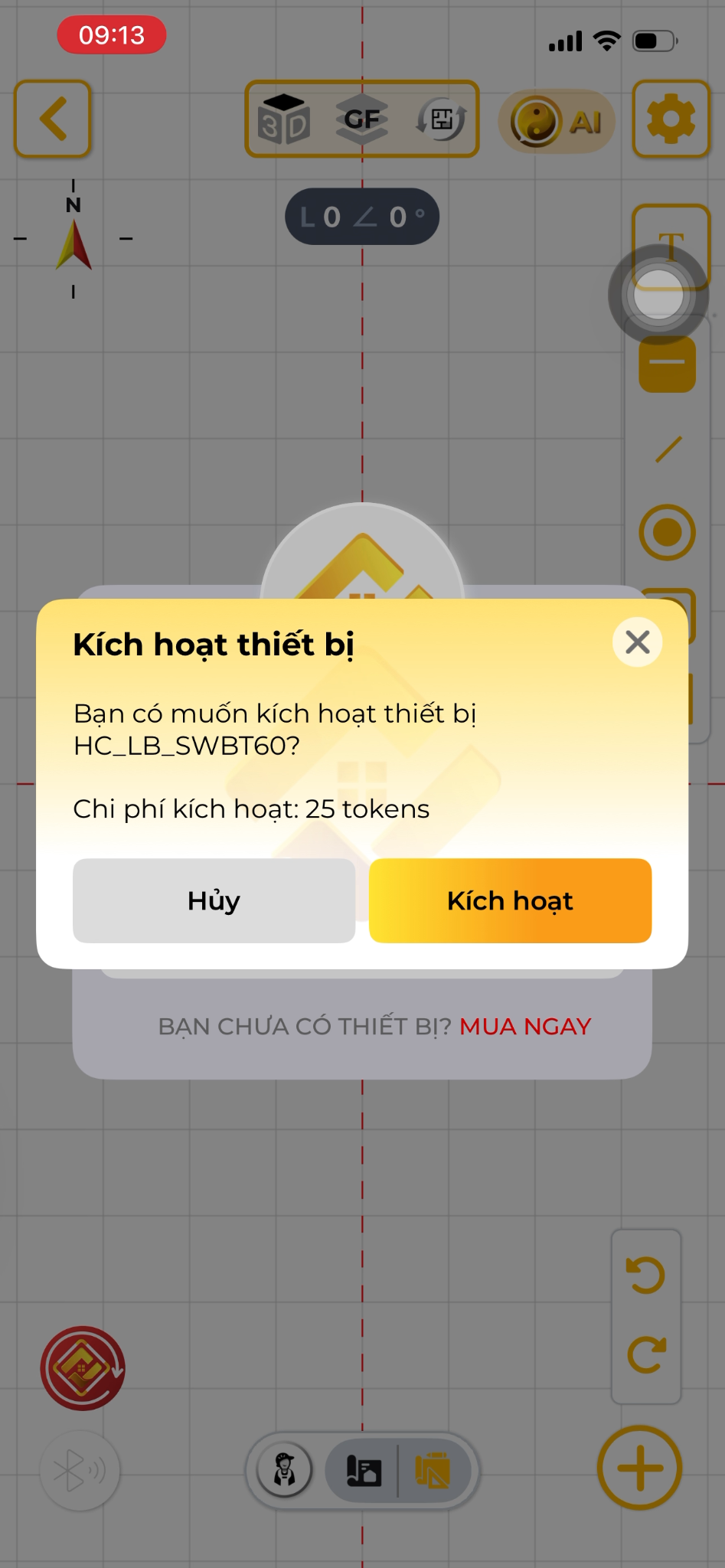 Bluetooth Active Drawing
Connect external laser measurers for supreme accuracy.
Steps:
- Tap the Bluetooth icon and pair the device.
- Select the direction arrow on the app.
- Take the measurement. The data drops directly into the drawing.


Experience HOME CHECK
The smart, versatile assistant for every architectural and Feng Shui project!