Change Password
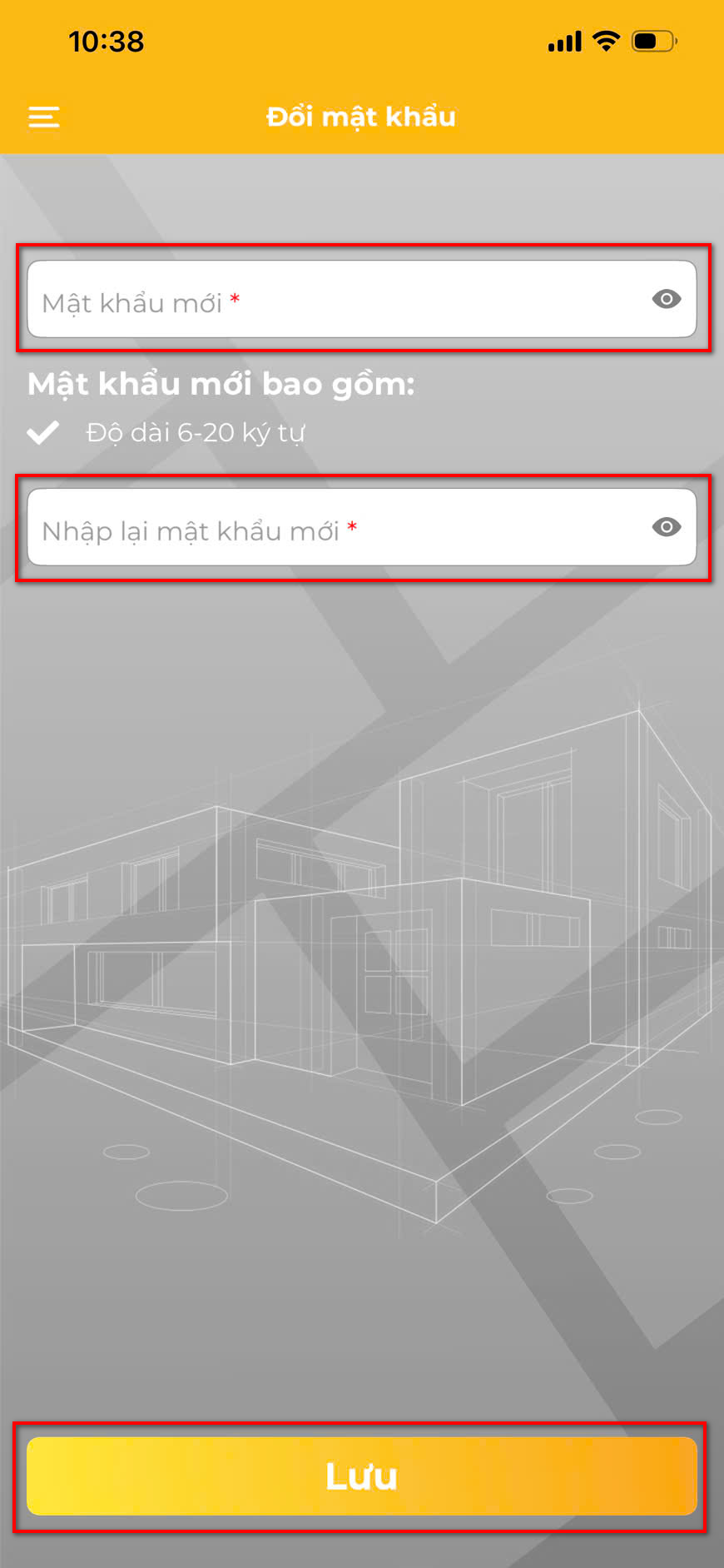 Change password screen
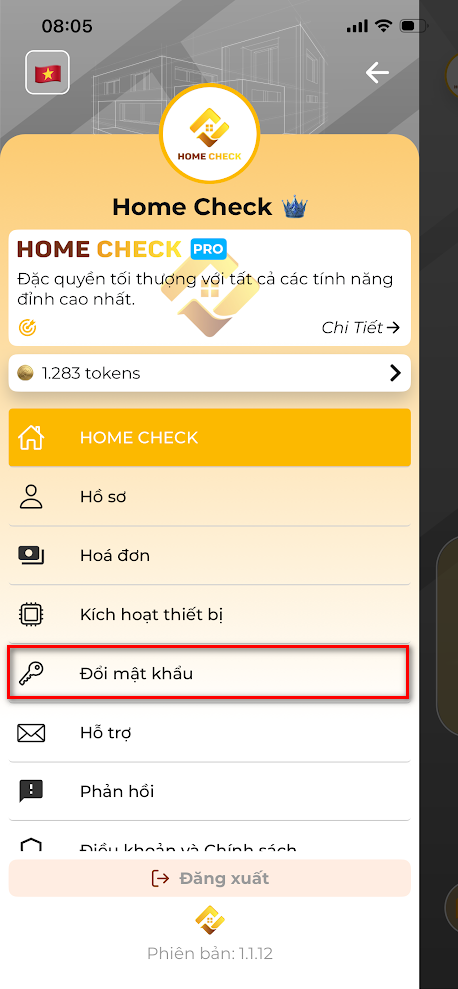 Change Password Steps
Keep your account secure by updating your password regularly.
Steps:
- Go to Profile > Change Password
- Enter your current password
- Enter your new password (must be at least 8 characters, include uppercase, number, special character)
- Confirm new password
- Tap Save
⚠️ If you forgot your current password, use "Forgot Password" from the login screen.


Experience HOME CHECK
The smart, versatile assistant for every architectural and Feng Shui project!