Biometric Authentication (FaceID / TouchID)
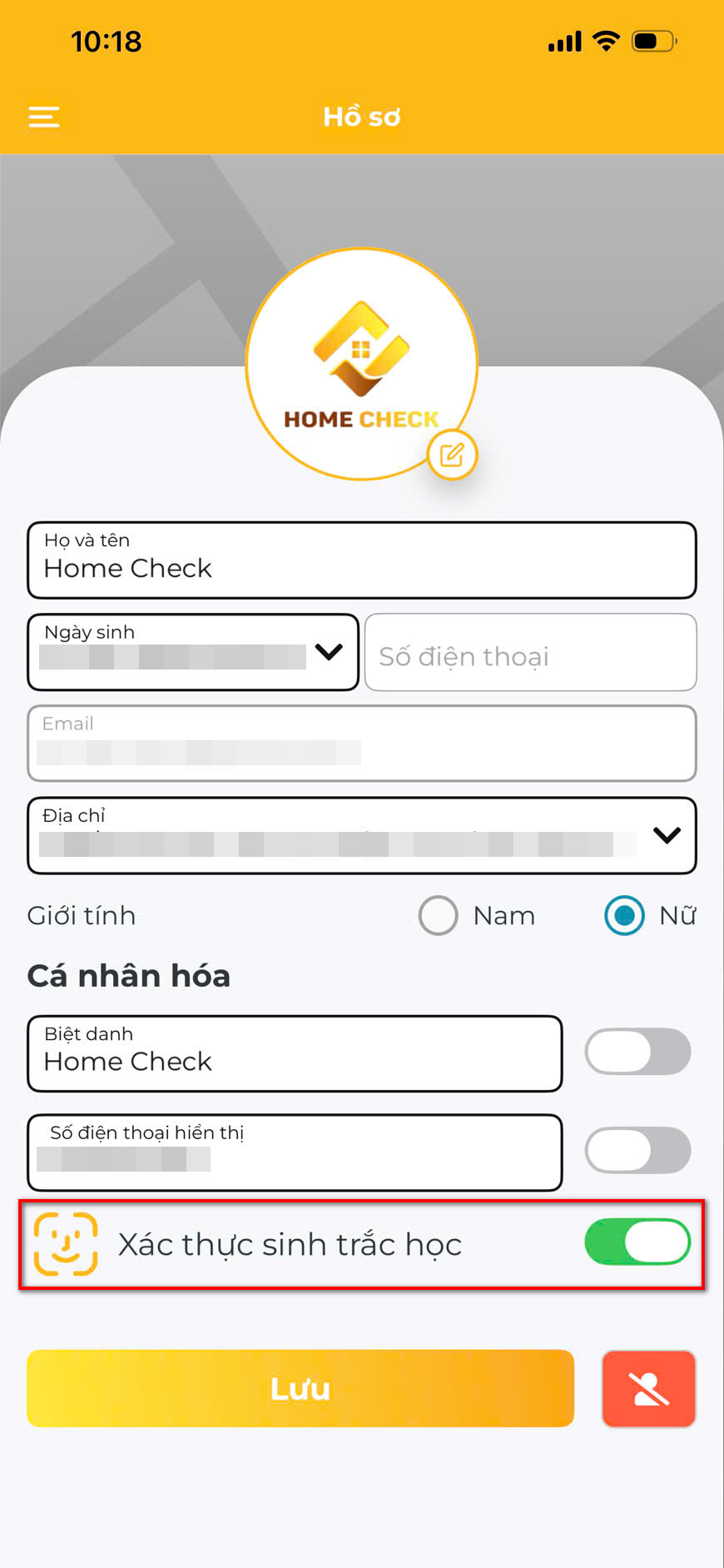 Biometric setup
Enable fingerprint or face recognition for quick, secure login.
How to enable:
- Go to Profile > Security Settings
- Toggle Biometric Login ON
- Confirm with your current password
- Follow the device prompt (FaceID / TouchID)
Requirements:
- Device must support biometric hardware
- Must be registered in device settings first
- Password fallback always available
💡 Once enabled, you can unlock the app without typing your password.


Experience HOME CHECK
The smart, versatile assistant for every architectural and Feng Shui project!